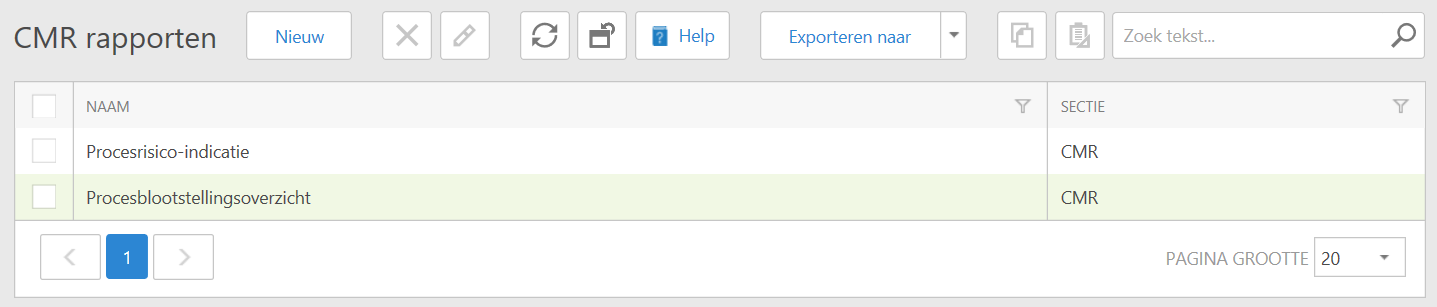
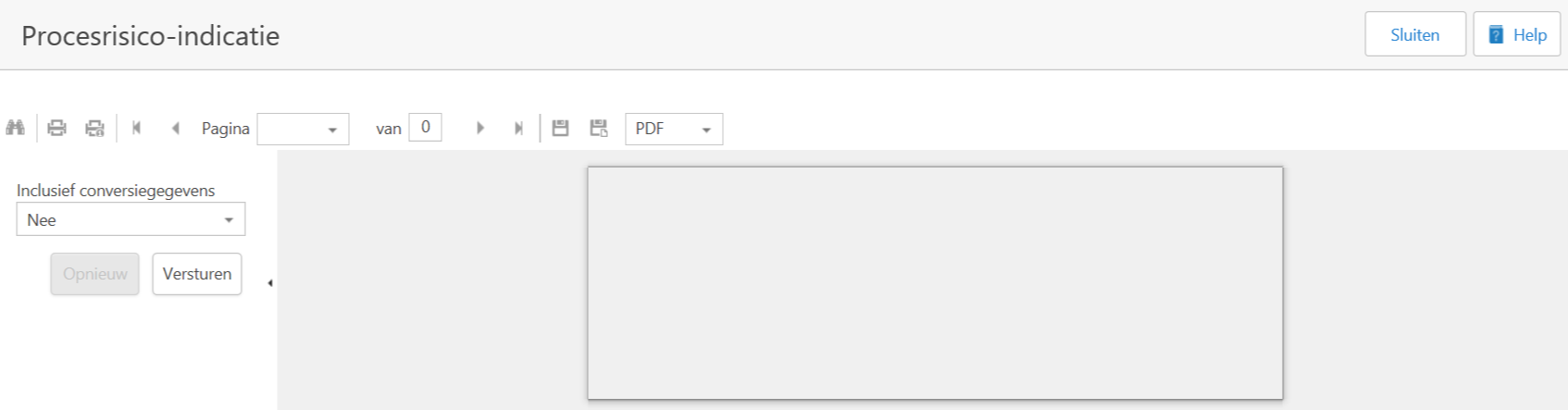
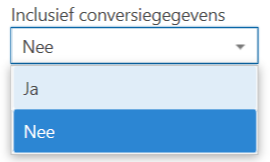
If the report is good, you can choose from a number of options, depending on how you want to further process the report:

- Advanced search (this option can be disabled).
- Print the report in the selected file format.
- Only print the current page in the selected file format.
- Go to the first page
- Go to the previous page
- Page number of the current page. By clicking on the black arrow ( ) or by typing in the page number you can quickly jump to a specific page.
- Total number of pages in the report (may differ from the number of pages mentioned in the image).
- Go to the next page.
- Go to the last page
- Export and save the report.
- Export the report and open in a new screen.
- File format for output (you can make a choice by clicking on the black arrow ( )).
- At the top right you see the 'Close' and 'Help' buttons.
If you choose 'Close', the current view is closed, not the window.